
Minutes
from pasted recipe to WordPress draft
Paste your finished recipe copy, add your photos, and Draftili builds the complete WordPress draft for you: your layout, your recipe card, your images in the right places. The hour of formatting admin becomes a few minutes of review.
Be first in for early access. No spam, just the launch.
Drafts only. You publish yourself.
Built by James, founder of Healthy Living James, from 10 years of creating and publishing food blog content.

Real product preview
from pasted recipe to WordPress draft
publishing always stays in your hands
of recipe publishing behind the product
Product demo
For the first people in early access, James will personally walk through setup and the first draft. A public product video will be added before wider launch.
Early access includes guided setup first. The public walkthrough will follow.
What Draftili does
You already did the hard part: the recipe, the writing, the photos. Draftili does the WordPress part, so a post that used to take an hour to build is ready to review in minutes.
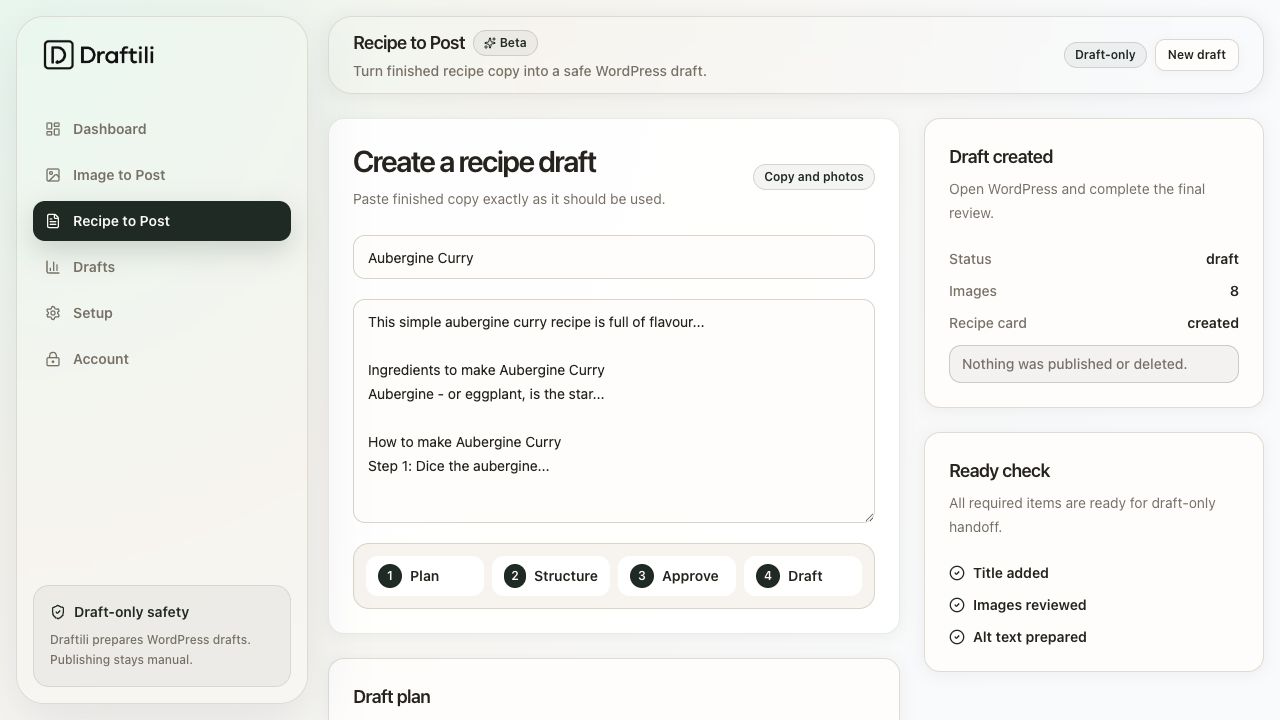
Paste your finished recipe copy, add your photos, and Draftili builds the whole WordPress draft: your layout, your headings, your recipe card, your images placed where they belong.
How it works
Copy in your finished recipe exactly as you wrote it: intro, ingredients, method, tips. No re-typing, no reformatting.
Drop in your images. Draftili works out which is the hero, which are steps, then handles filenames and alt text.
A complete draft appears in WordPress, built in your blog's own layout. You review, tweak and hit publish yourself.
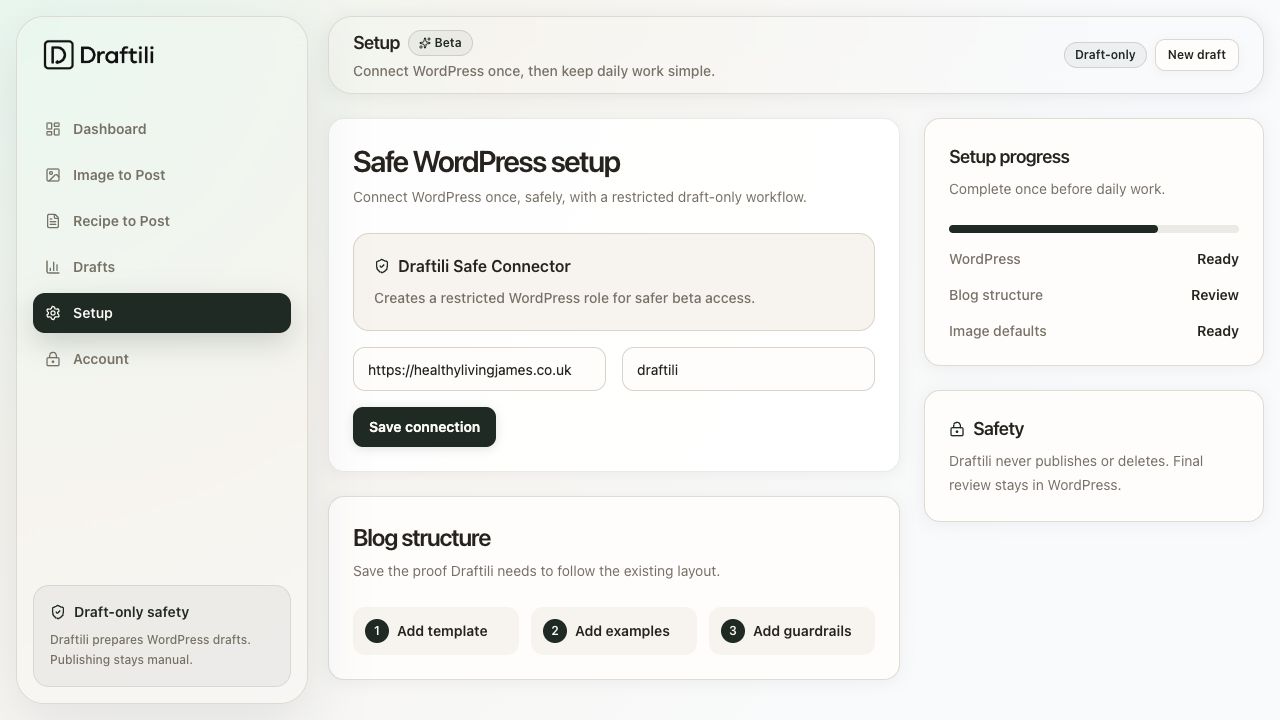
Built around your blog
Draftili uses your setup, previous posts and image defaults so drafts feel familiar when they land inside WordPress.
Draftili prepares drafts only. The Draftili Connect plugin can create drafts and add images, and can never publish or delete anything.
Founder-led setup
The image uploads, recipe cards, alt text, filenames, layout matching and WordPress checks are not theoretical. They are the jobs food bloggers repeat every week.
Made for solo bloggers who cannot justify hiring a team.
Designed around real WordPress draft preparation.
Built to reduce admin without taking away creative control.
Early access
Early access includes personal setup help, and you use Draftili on real posts. In return, we ask for honest feedback on what saves time, what feels unclear and what would make the product worth paying for.
Share your WordPress setup and how you write your recipe posts.
Install the Draftili Connect plugin and paste your connect code. No passwords are shared.
Create one draft from real recipe work and check it inside WordPress.
Tell us what felt easy, what felt unclear and what would make it worth paying for.
FAQ
Early access is built around trust: clear setup, safe WordPress access and draft-only output.
You paste your finished recipe copy and add your photos. Draftili builds the full WordPress draft for you: post layout, recipe card, image placement, filenames and alt text. The formatting admin that normally eats an hour is done in minutes.
No, never. Draftili creates drafts only. You review, edit and publish yourself inside WordPress.
No. Your words stay your words. Draftili never invents copy, it only places what you wrote into your blog's layout.
No. Write your recipe copy the way you always have, in whatever app you like. Paste it in when it's finished.
It is built by a food blogger from 10 years of publishing, with a draft-only connection that cannot publish or delete anything on your site.
Be first in for early access. No spam, just the launch.